Windows Boot Menu Options


Windows Boot Menu Options
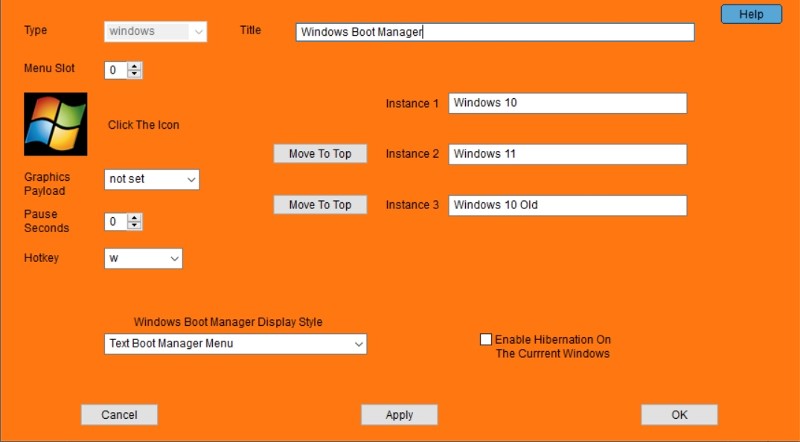
If you have more than one Windows installation on your computer, this allows you to set the top Windows instance. You can also change the title displayed for each Windows instance at boot time.
Enable Hibernation On The Current Windows
Check this box to enable hibernation for the currently running Windows instance.
Windows Boot Manager Display Style Will not appear on XP Systems
Do Not Show The Boot Manager Menu No Windows menu will appear.
Windows will load immediately.
This option is not available on systems with multiple Windows instances.
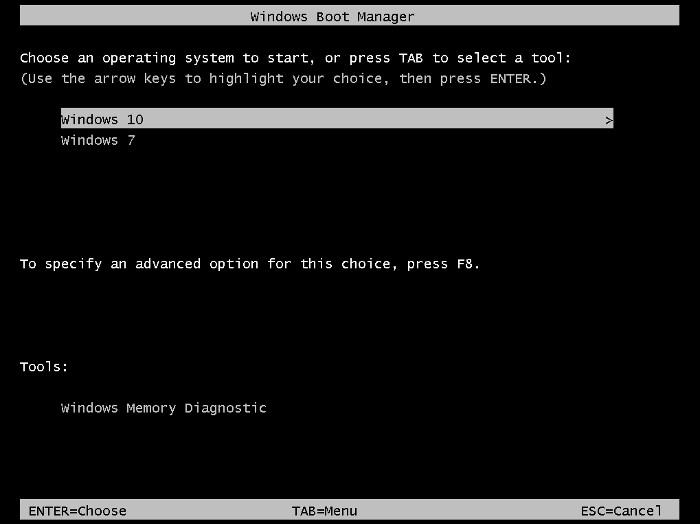
Text Boot Manager Menu Will display a text Windows menu similar to this at boot time.
This is the recommended setting if you want to display the menu.
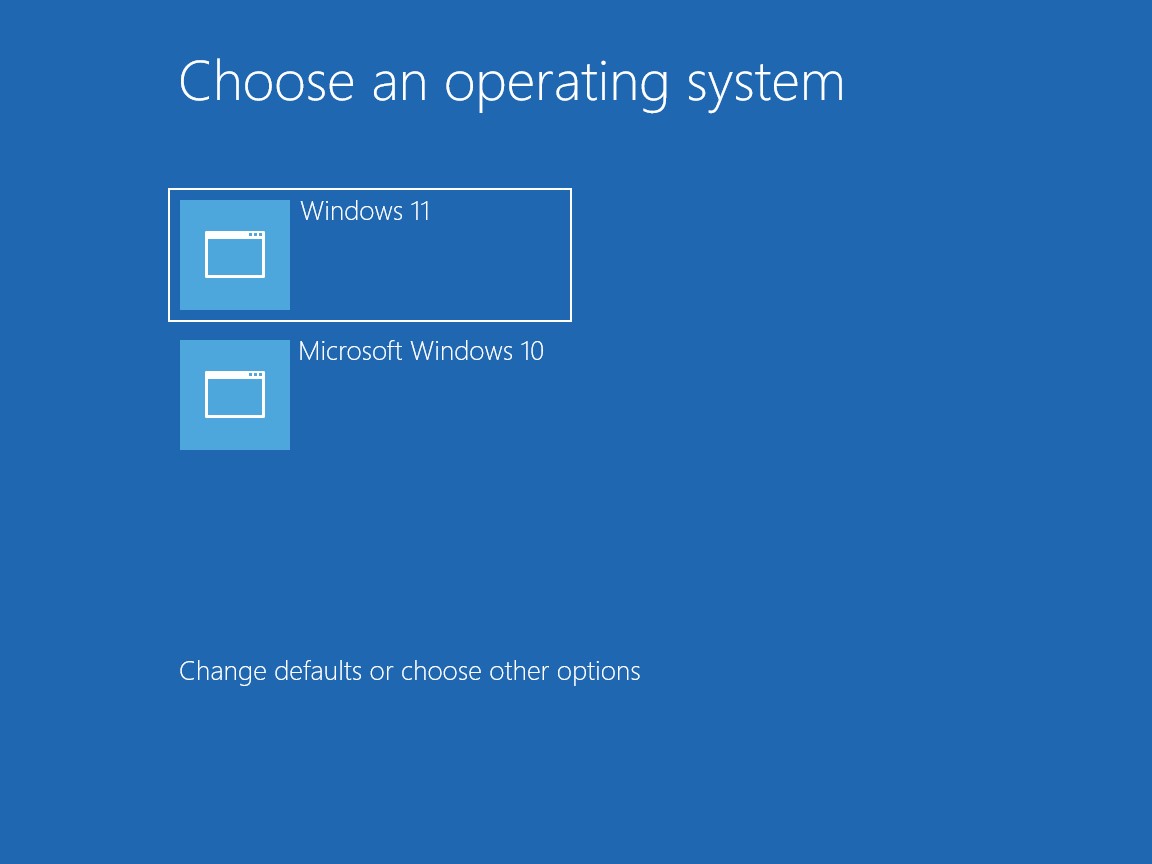
Metro Graphics Boot Manager Menu Will display a graphics WIndows menu similar to this at boot time.
Note that the graphics menu often loads much slower than the text menu.
The graphics menu is not available on Windows 7 systems.
Created with the Personal Edition of HelpNDoc: Make Documentation a Breeze with a Help Authoring Tool